A powerful, safety-first tool for resizing, converting, and optimizing images. Use the browser-based UI or the lightning-fast CLI. Your originals stay safe.
npm install -g pulp-image
Whether you're a designer compressing assets, a developer integrating into build scripts, or just someone who wants smaller image files, Pulp has you covered.
Resize by width, height, or exact dimensions. Aspect ratio is preserved by default when you specify only one dimension.
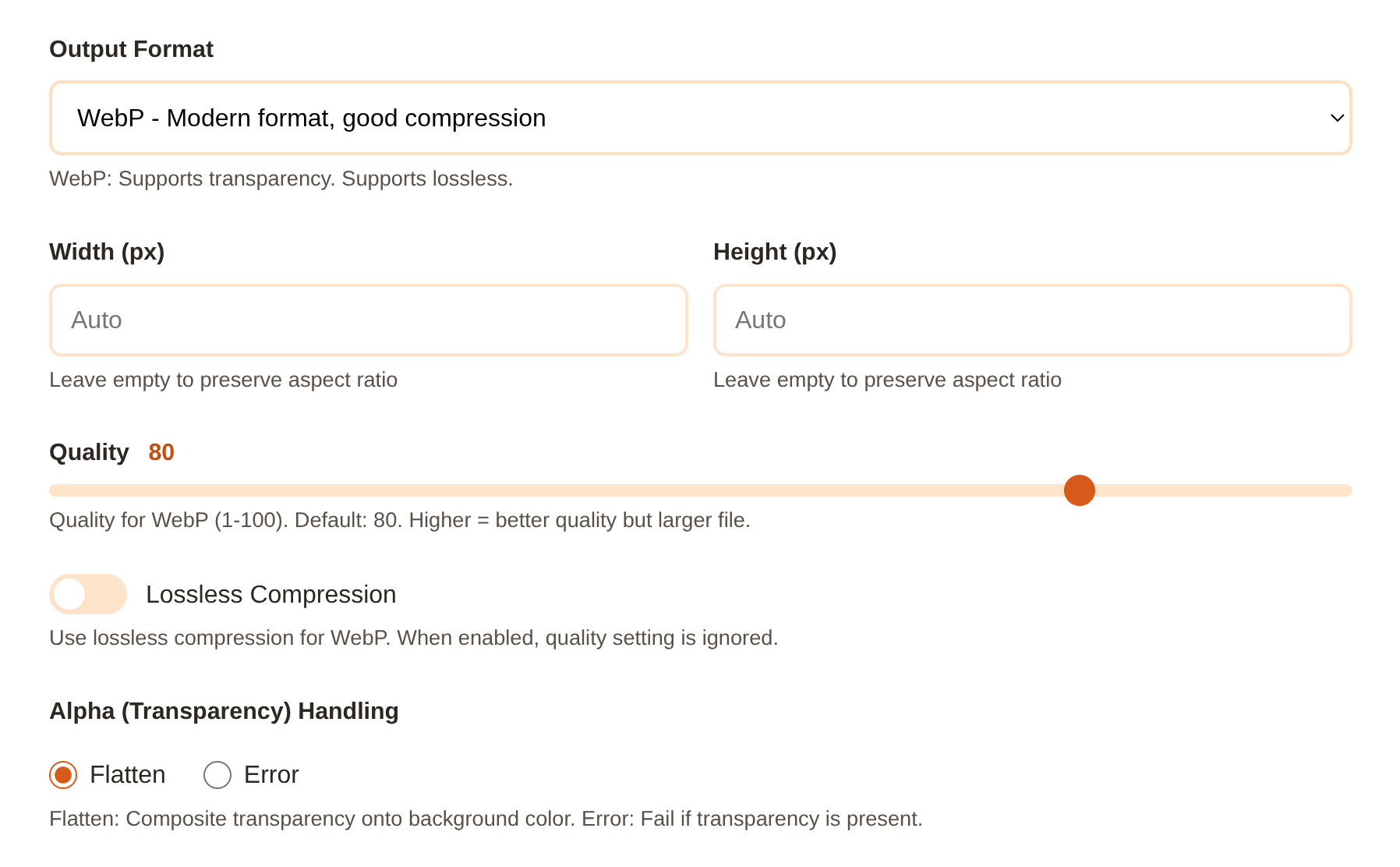
Convert between PNG, JPG, WebP, and AVIF. Each format has its own quality and lossless options.
Process entire directories at once. Pulp finds all supported images (PNG, JPG, WebP, AVIF) and processes them in batch.
Output goes to a separate folder by default. No overwrites unless you explicitly enable them. Your originals stay safe.
Fine-tune compression with quality settings (1-100) for lossy formats, or use lossless mode for WebP and AVIF.
When converting to JPG, transparent areas are flattened to a background color of your choice (default: white).
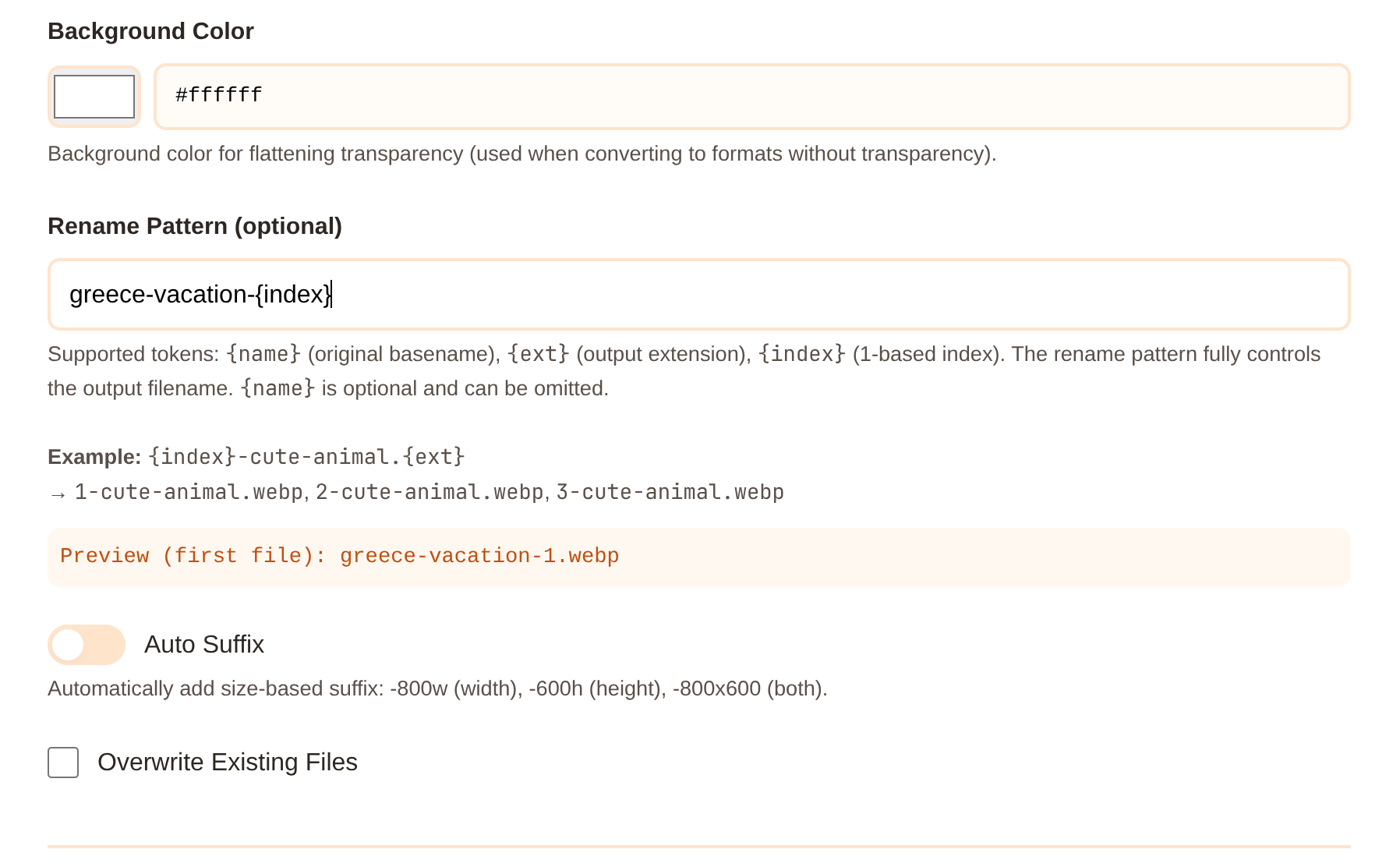
Automatically add size-based suffixes like -800w or -600h, or add your own custom suffix to output filenames using rename patterns.
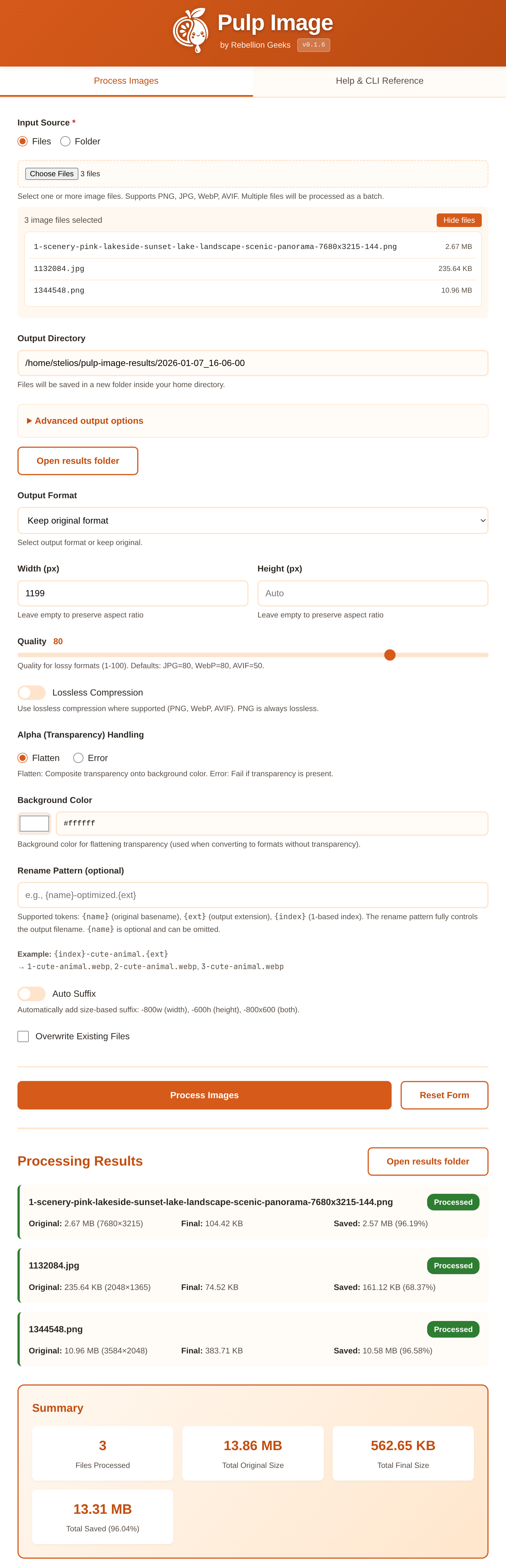
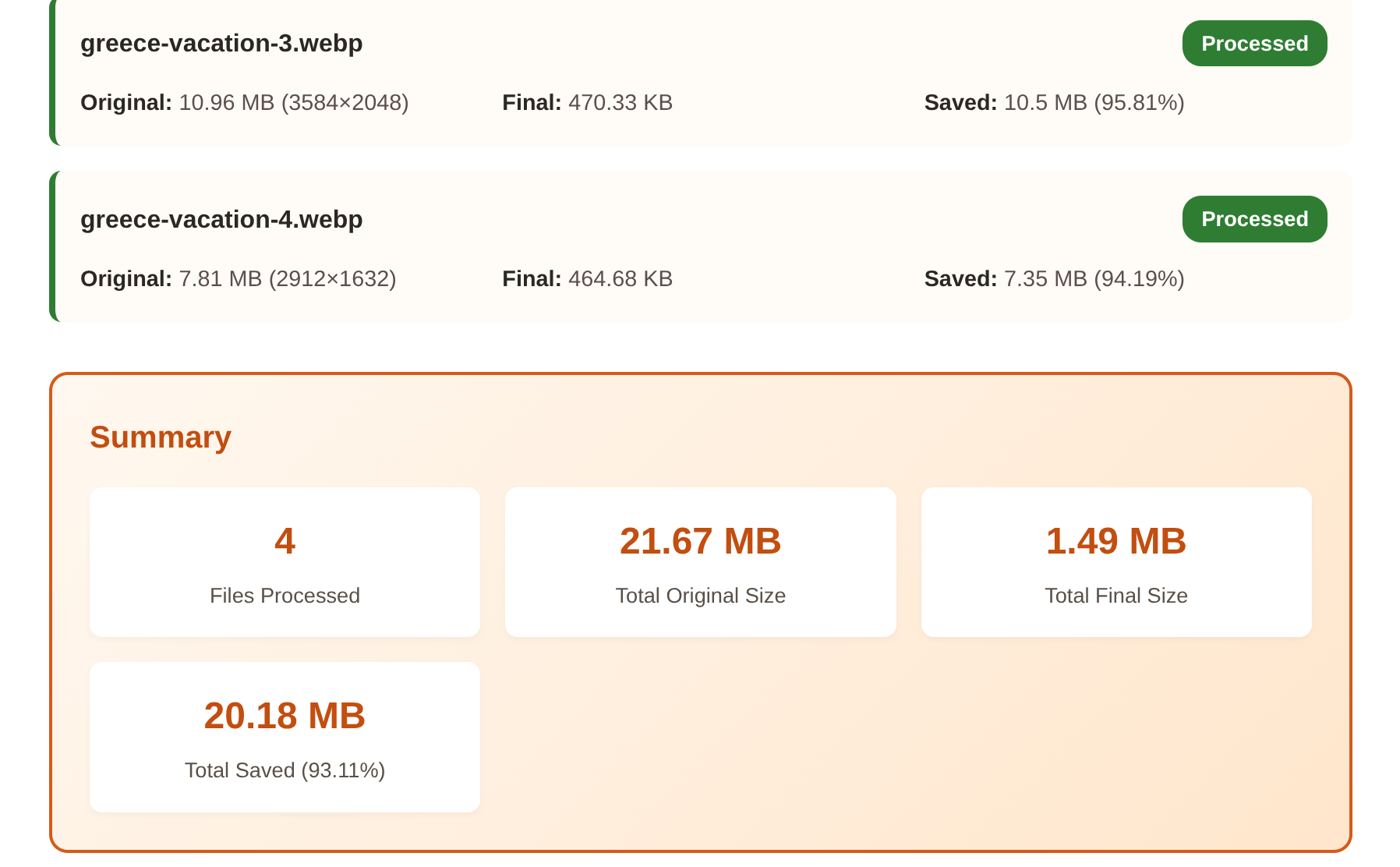
See original size, final size, bytes saved, and percentage reduction for every file. Batch summaries show total savings.
Use tokens like {name}, {ext}, {index} to create custom output filenames. Perfect for batch renaming with sequential numbers.
Optionally delete original files after successful processing with --delete-original. Saves disk space in automated workflows.
Enable verbose mode to see detailed per-file processing info. Perfect for debugging and understanding batch results.
By default, existing files are skipped. Enable overwrite mode when you want to replace previously processed outputs.
No command line needed. The browser-based UI provides all the same features with a visual interface. Download the portable version or run pulp ui from the CLI.
For developers and automation. The CLI is fast, scriptable, and integrates into your existing workflow.
pulp ui
Copy these commands to get started in seconds.
Modern format with great compression.
$ pulp image.png --format webp
Height adjusts to preserve aspect ratio.
$ pulp image.png --width 800
Convert all images in a directory.
$ pulp ./images --format webp --out ./output
Best compression for modern browsers.
$ pulp image.png --format avif --quality 70
Output: image-800w.webp
$ pulp image.png --width 800 --format webp --auto-suffix
Convert PNG with transparency to JPG.
$ pulp image.png --format jpg --background "#ff6b35"
Pulp shows you detailed statistics for every image processed: original size, final size, bytes saved, and percentage reduction.
✓ Processed: 7 file(s) Total original size: 10.07 MB Total final size: 821.78 KB Total saved: 9.26 MB (92.03%)
Get started in under a minute. Open source and made with care.
Portable UI runs in your browser. No install needed.